Graphics on air, layer by layer.
SCG renders graphics with its own SONE render engine, or drives Viz Engine through the same engine abstraction. Logos, clocks, lower thirds, full screens and the ticker each live on their own layer; templates come from SDesigner, and the newsroom rundown fills them straight from iNEWS.
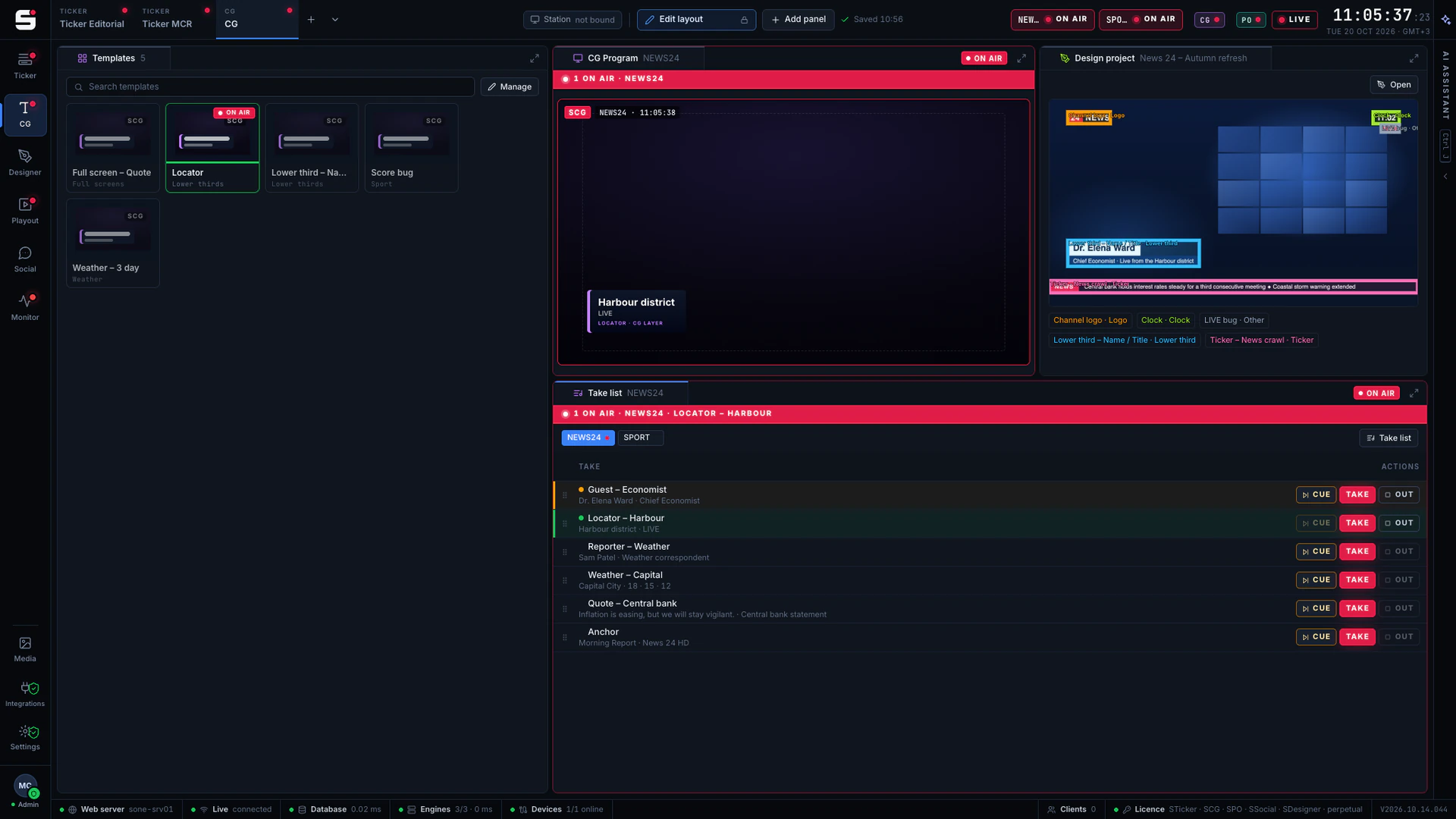
What SCG does
Made for the people who run the channel.
- 01
SONE render engine
Skia-based and 1080p50, as fill & key to your keyer or vision mixer, or burned straight into the SPO output.
- 02
Every script, shaped right
Right-to-left text with proper shaping for Arabic and Kurdish Sorani, next to Latin, on any layer.
- 03
Layered elements
Logo, clock, lower third, full screen and ticker each stay on their own layer, so a lower third never knocks the ticker off air.
- 04
Templates with fields and versions
Each template names its fields for operators to fill in, and every change is a new version you can go back to.
- 05
Newsroom rundown
An iNEWS show queue becomes a CG rundown: production cues mapped to templates, fields pre-filled from the story.
- 06
A take list operators trust
CUE, TAKE, CONTINUE and OUT, with clear ready, cued and on-air states.
- 07
Designed in SDesigner
Designs published from SDesigner arrive as templates with named fields or as ready projects.
- 08
Secondary events in SPO
SPO rundown events use the same templates as the CG desk, timed from the start or end of a clip.
- 09
Viz Engine, too
Viz Engine stays supported through the same engine abstraction, with main and backup engines in step.
RoadmapMOS for newsroom systems; iNEWS rundowns already work today over NSML
Newsroom rundown
From the iNEWS rundown to air, with nothing retyped.
Pick the show’s iNEWS queue and SCG builds a CG rundown from it. Rules map the production cues in each story (lower third, full screen, locator) to your templates and fill their fields from the story; when the newsroom edits the rundown, the list refreshes live.
- iNEWS queue → CG rundown, over NSML
- Rules map production cues to templates
- Fields pre-filled from the story
- CUE, TAKE and OUT straight from the rundown
- Live refresh as the newsroom edits
- 01DONEFSFull screenv4Tonight
- 02ON AIRLTLower third · 2 linesv7Sara Ahmed·Meteorologist
- 02CUEDLOCLocatorv2Coastal road, north
- 03READYLTLower third · 2 linesv7کاروان عەزیز·شیکەرەوە
- 04READYFSFull screenv4Markets close
With SPO
Graphics that follow the rundown.
A lower third that belongs to a clip is part of the clip. Add it as a secondary event in the SPO rundown, with the same template the CG desk uses, and it airs ten seconds in, for ten seconds, every time.
- Secondary CG events on any rundown item
- The same templates as the CG desk
- Burn-in with a watchdog, or external fill & key
- As-run for every action
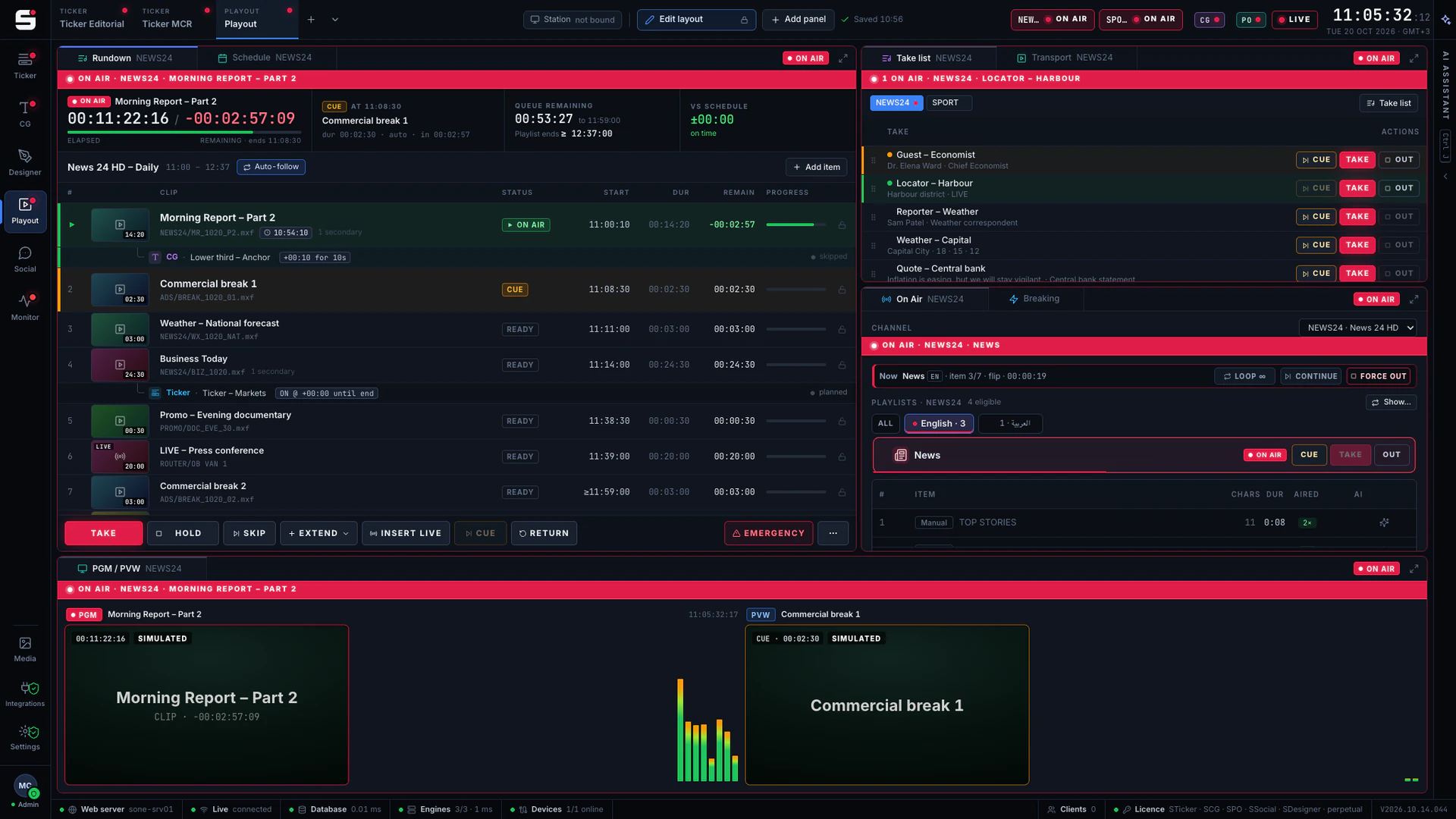
At a glance
SCG specifications
Part of the SONE platform: one Windows service, one web UI, one signed licence.
- Render engine
- SONE render engine (Skia), 1080p50
- Also drives
- Vizrt Viz Engine, main + backup
- Output
- Fill & key, or burn-in into SPO
- Text
- LTR and RTL, Arabic and Kurdish Sorani shaping
- Layers
- Logo, clock, lower third, full screen, ticker
- Templates
- Named fields, versions
- Newsroom
- Avid iNEWS rundown (NSML)
- Actions
- CUE, TAKE, CONTINUE, OUT
- Licensing
- Per engine
The SONE family
Works even better together.
STicker
Ticker & crawl
Newsroom → Ticker. iNEWS and agency wires feed it, editorial builds it, MCR airs it on your existing graphics engines.
Explore STicker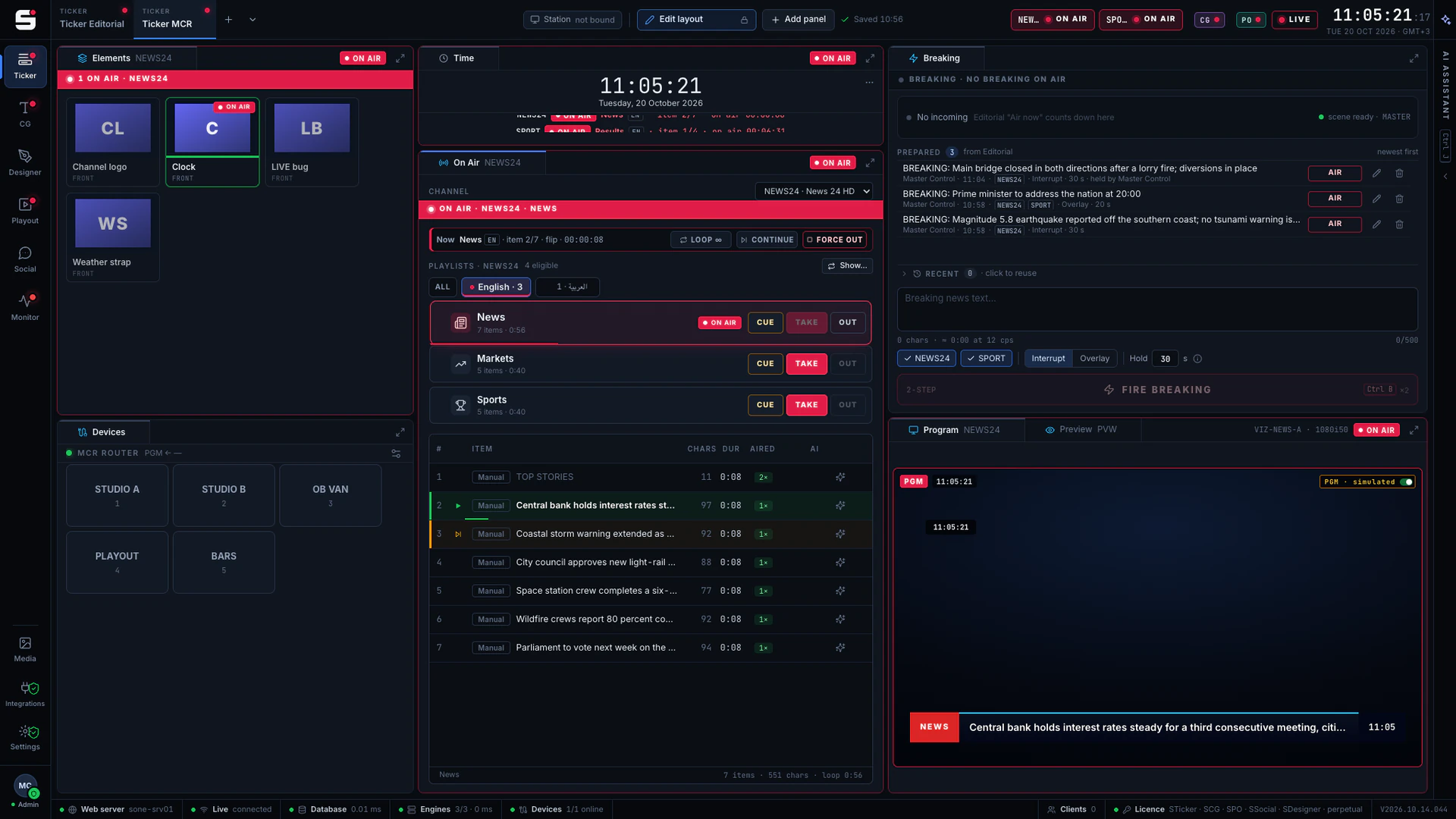
SDesigner
AI-assisted design
Turn a mockup or a screenshot into a layered project and publish it to SCG as a template. People approve; AI never airs.
Explore SDesigner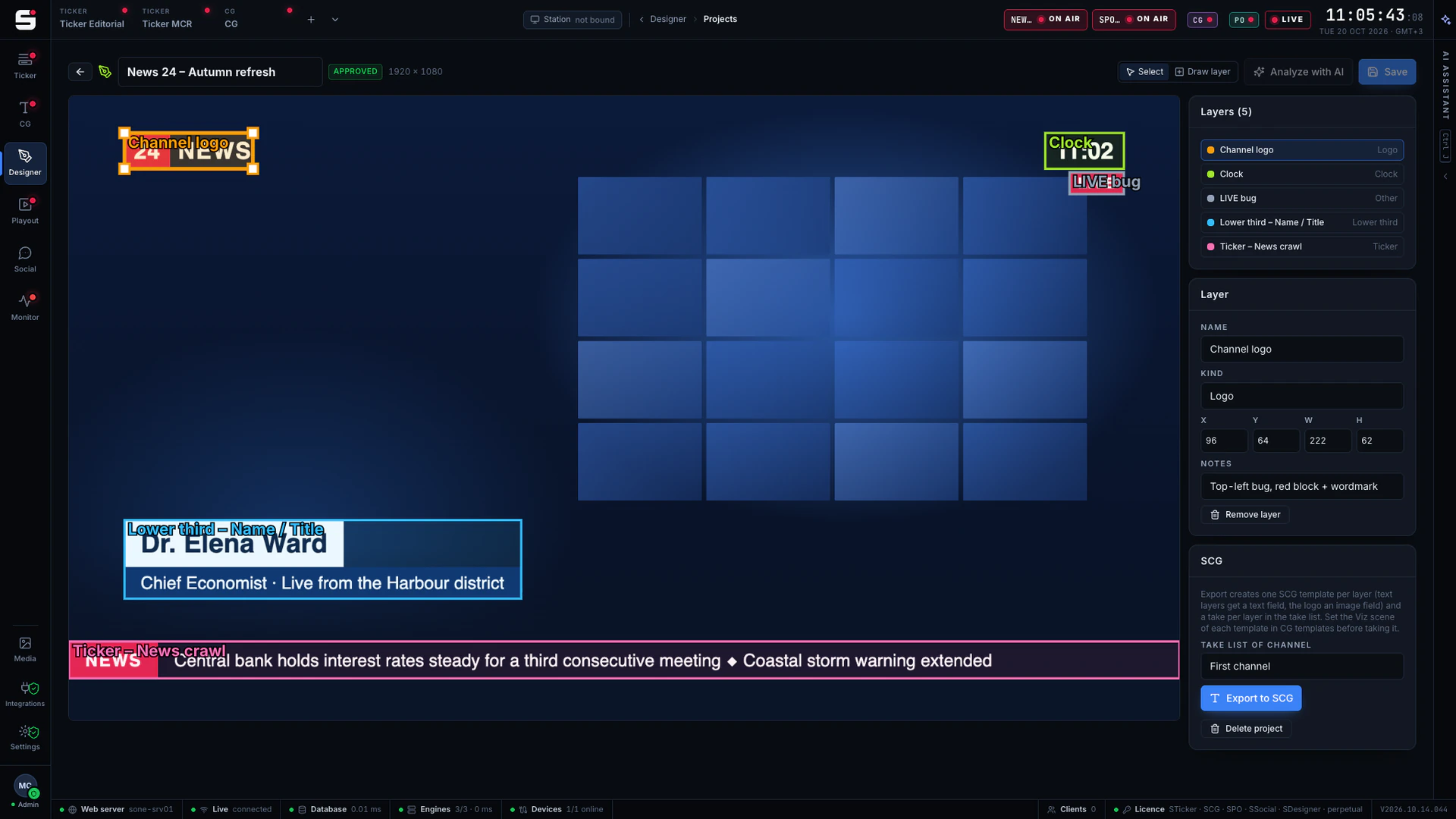
SPO
Playout server
A frame-accurate playout engine with CG burn-in, embedded audio and a preview in any browser, fed by STraffic.
Explore SPO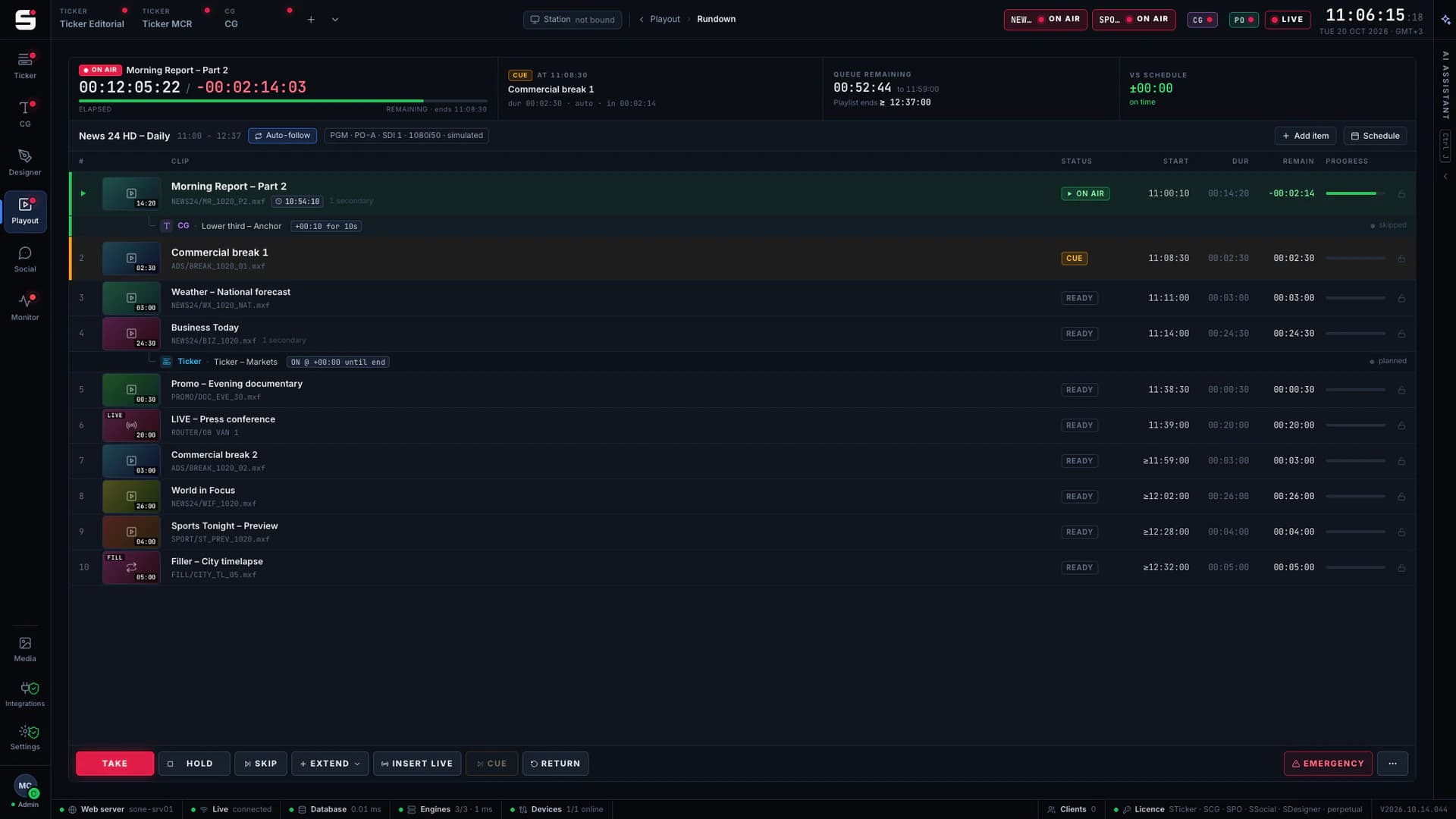
See SCG on your own engines.
Book a walkthrough with people who have run master control. We will show SONE with your scenes, your playout format and your newsroom feeds.