From a screenshot to a layered on-air design.
Import a screen mockup or a screenshot. SONE AI proposes a layered project; your designers edit it with a live render, approve it and publish it to SCG, as a reusable template with named fields or as a ready project. Nothing goes on air without a person’s approval.
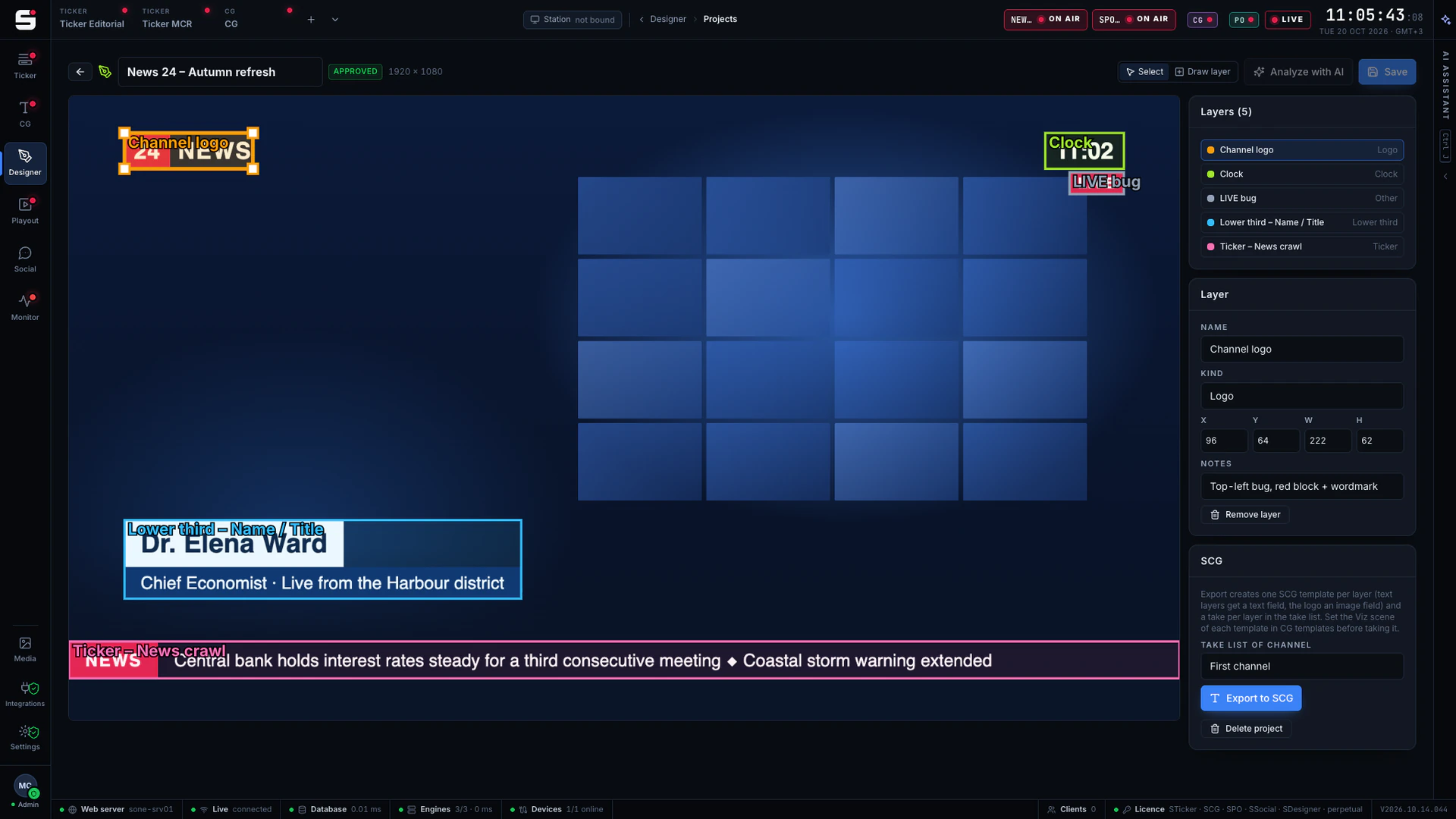
- STEP 01
Import
A mockup or a screenshot.
- STEP 02
AI proposes
SONE AI drafts a layered project.
- STEP 03
Edit and approve
Designers edit with a live render; a person approves.
- STEP 04
Publish to SCG
As a template or a ready project, on air in SCG.
What SDesigner does
Built for designers, ready for air.
- 01
Start from a picture
A PNG mockup from the art department, a screenshot or a frame grab of the look you want.
- 02
AI proposes the layers
Logo, clock, lower third, ticker, full screens: SONE AI marks each element with its position and purpose.
- 03
Edit with a live render
Move, resize, rename and restyle every layer and watch the live render update as you go.
- 04
Publish to SCG
As a reusable template with named fields that operators fill in, or as a ready project that airs as designed.
- 05
Human approval, always
Nothing is published until a person approves it. AI output never reaches air on its own.
- 06
Versions
Every publish is a new version in SCG, and an earlier one is always a click away.
Publish to SCG
Approved once, on air every night.
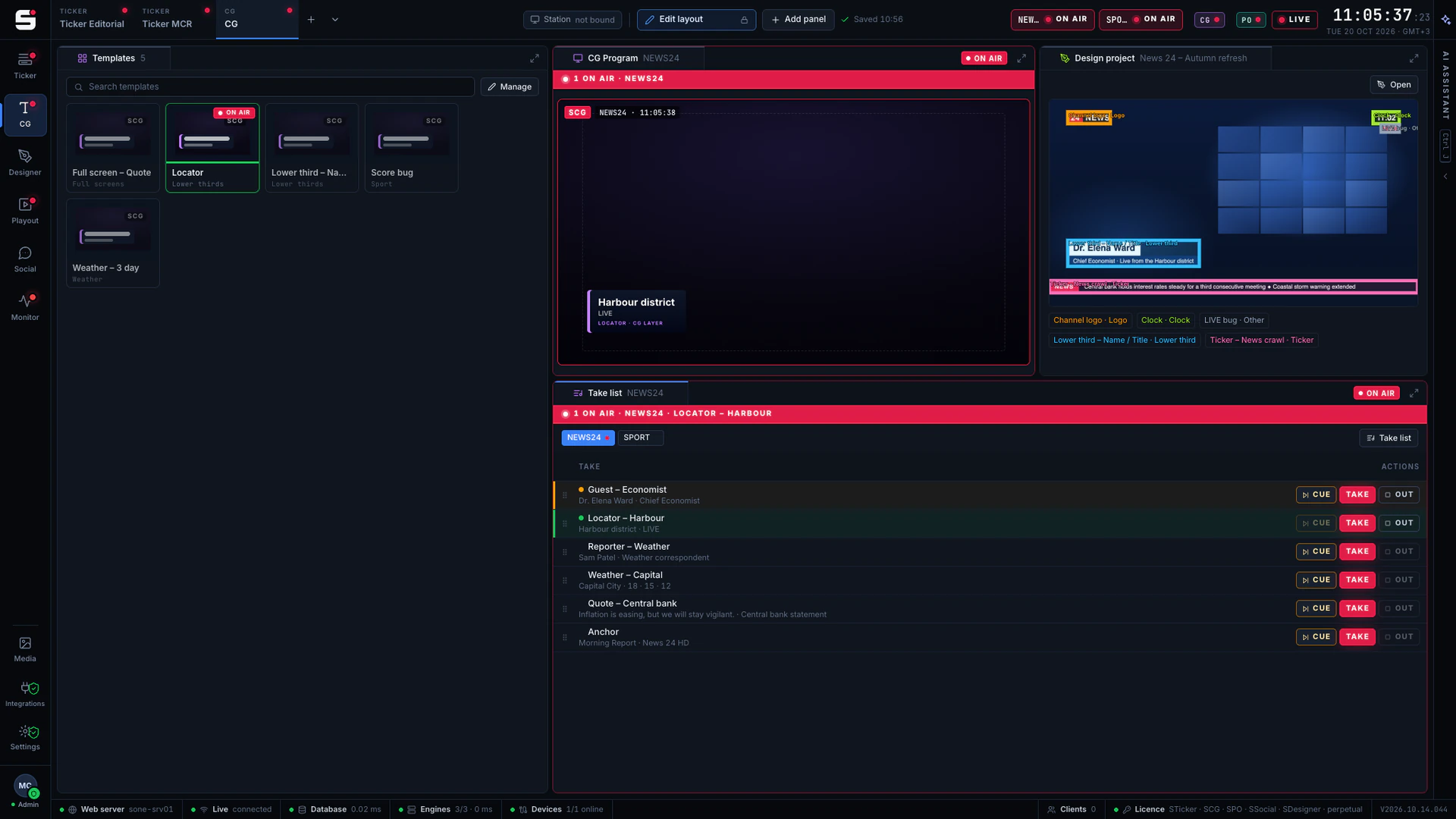
An approved design goes to SCG in one step. As a template, its named fields are filled by the CG operator or by the newsroom rundown; as a ready project, it airs exactly as designed. Every publish is a new version, and the chain is visible in the audit log.
- A template with named fields, or a ready project
- Fields filled by operators or the newsroom rundown
- A new version with every publish
- Runs on SONE AI credits; no API key needed
At a glance
SDesigner specifications
Part of the SONE platform: one Windows service, one web UI, one signed licence.
- Input
- PNG, JPEG or WebP mockup or screenshot, up to 10 MB
- AI
- SONE AI credits, no API key needed
- Editing
- Layers with a live render
- Output
- SCG template with named fields, or a ready project
- Versions
- Every publish is a new version
- Control
- Explicit human approval, audited
- Licensing
- Per seat
The SONE family
Works even better together.
STicker
Ticker & crawl
Newsroom → Ticker. iNEWS and agency wires feed it, editorial builds it, MCR airs it on your existing graphics engines.
Explore STicker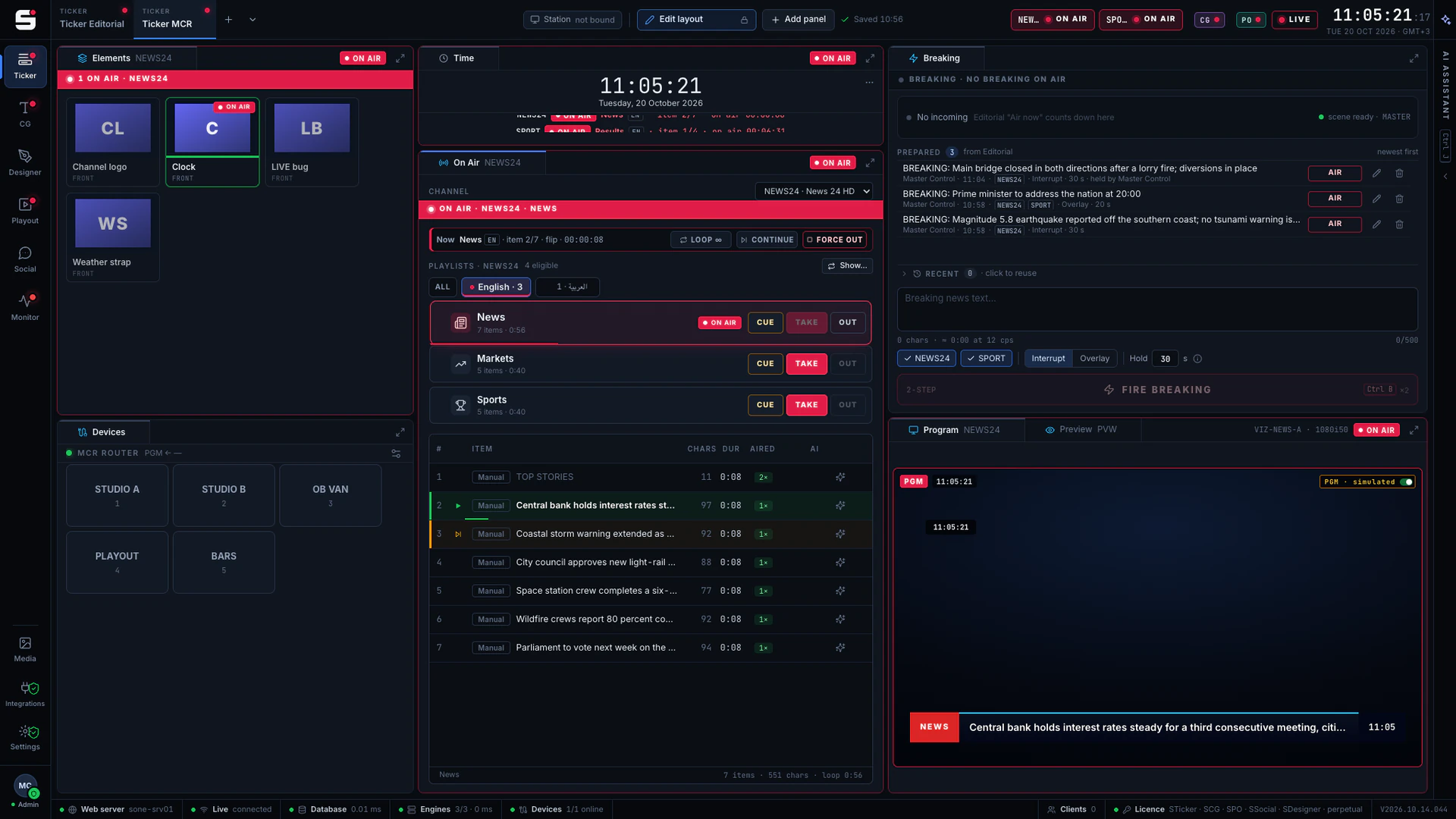
SCG
Character generator
SONE render engine or Viz Engine: layered graphics, versioned templates and the iNEWS newsroom rundown, keyed or burned into SPO.
Explore SCGSPO
Playout server
A frame-accurate playout engine with CG burn-in, embedded audio and a preview in any browser, fed by STraffic.
Explore SPO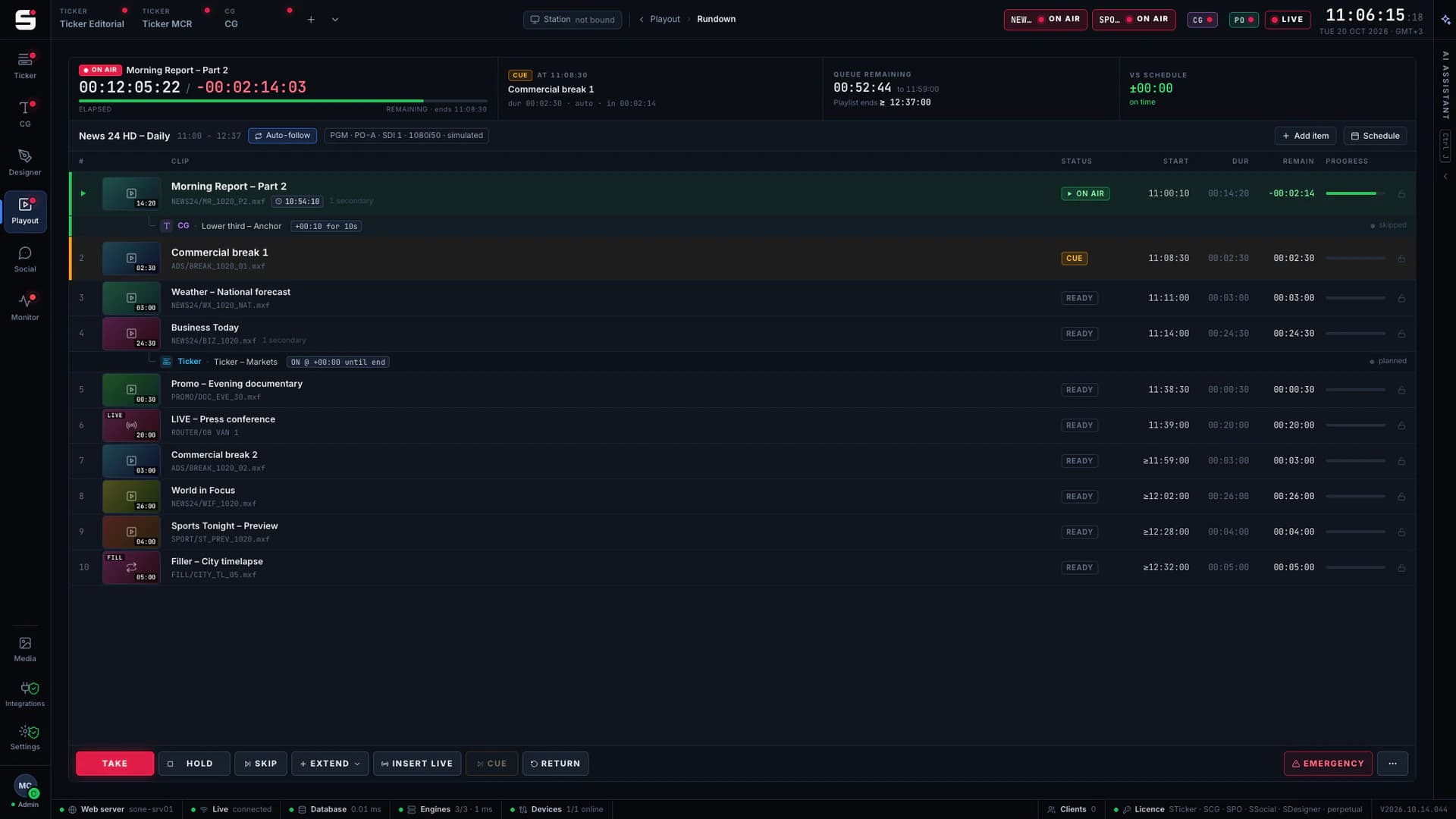
See SDesigner on your own engines.
Book a walkthrough with people who have run master control. We will show SONE with your scenes, your playout format and your newsroom feeds.