Record every input. Check every file.
SIngest records the SDI inputs of your DeckLink cards to file in your house format: by hand, on a schedule, with one crash-record button, or automatically while SPO has a live item on air. Watch folders bring files in, check them and hand them to SPO and the STraffic programme library.
SIngest is in early access. The panels shown here are an illustration, not a capture of the product.
- STEP 01
Record or drop
From an SDI input, on a schedule or live, or a file in a watch folder.
- STEP 02
Check
Probe, transcode to the house format, and check duration, format, audio and loudness.
- STEP 03
File
Into the SPO media folder, registered in the STraffic programme library.
- STEP 04
Air
SPO plays it; SMonitor watches the inputs, the disks and the queue.
What SIngest does
Built for the ingest desk, around the clock.
- 01
Record from inputs
Record the SDI inputs of Blackmagic DeckLink cards through SONE Video I/O, the same inputs SPO uses for live items. XDCAM HD422 at 50 Mb/s in MXF OP1a, H.264 in MP4, ProRes 422 in MOV or DNxHD in MXF; 1080i50 or 1080p50, with 8 or 16 embedded audio channels and your own codec profiles.
- 02
Manual, scheduled and crash
Start and stop by hand with record timecode and a REC tally; schedule recordings by start and end or by duration, weekly if they repeat; or press crash record and recording starts at once.
- 03
Records the live broadcast
While an SPO live item is on air, SIngest records that input and names the file from the SPO or STraffic event: programme title, date and channel.
- 04
Safe on long recordings
Files are split at a maximum length, recording stops before the volume is full and raises an alarm, and every file gets thumbnails and a checksum.
- 05
Loudness of every recording
With SAudio licensed, every recording is measured with its EBU R128 meter, so the loudness is known before the file goes anywhere.
- 06
Watch folders
Local or network (UNC) folders: new files are probed, transcoded to the house format if needed and quality-checked, then moved or copied into the SPO media folder and registered in the STraffic programme library.
- 07
Metadata from the name or a sidecar
Title, house ID and other fields come from a filename pattern or from a sidecar XML or JSON file. Conflicts and failures stay visible, with retries.
- 08
Tiles in SMonitor
Each input gets its own tile (no signal, recording health, dropped frames), with disk space and the ingest queue alongside.
- 09
A workspace for the ingest desk
Inputs with live thumbnails, record buttons, REC tally, elapsed timecode and disk left; the week schedule; recordings with preview and send to SPO or the STraffic library; the watch-folder queue with QC results. Every widget has a fixed size, so nothing shifts on an on-air screen.
RoadmapProxy generation, SRT and NDI inputs, and handoff to editing systems
Schedule
Records the programme while it airs.
Plan recordings on the week schedule, or let SPO decide: while a live item is on air, SIngest records its input and names the file after the event, so the recording is filed before anyone asks for it.
- Start and end, or a duration
- Weekly recurring recordings
- Crash record with one button
- File named from the SPO / STraffic event
Watch folders
Files in, checked, on the playlist.
Drop a file into a watch folder, local or on the network. SIngest probes it, transcodes it to the house format if it needs to, checks it, and moves or copies it into the SPO media folder, registered in the STraffic programme library.
- Duration checked against the expected one
- Format, audio channels and loudness
- Metadata from a filename pattern or a sidecar XML / JSON
- Conflicts and failures visible, with retries
At a glance
SIngest specifications
Part of the SONE platform: one Windows service, one web UI, one signed licence.
- Inputs
- SDI on Blackmagic DeckLink, through SONE Video I/O
- Formats
- XDCAM HD422 50 Mb/s (MXF OP1a), H.264 (MP4), ProRes 422 (MOV), DNxHD (MXF)
- Video and audio
- 1080i50, 1080p50; 8 or 16 embedded channels
- Recording
- Manual, scheduled, crash record, live broadcast from SPO
- Works with
- SPO, STraffic, SAudio, SMonitor
- Licensing
- Per record / ingest channel (one input or one watch-folder pipeline)
The SONE family
Works even better together.
STicker
Ticker & crawl
Newsroom → Ticker. iNEWS and agency wires feed it, editorial builds it, MCR airs it on your existing graphics engines.
Explore STicker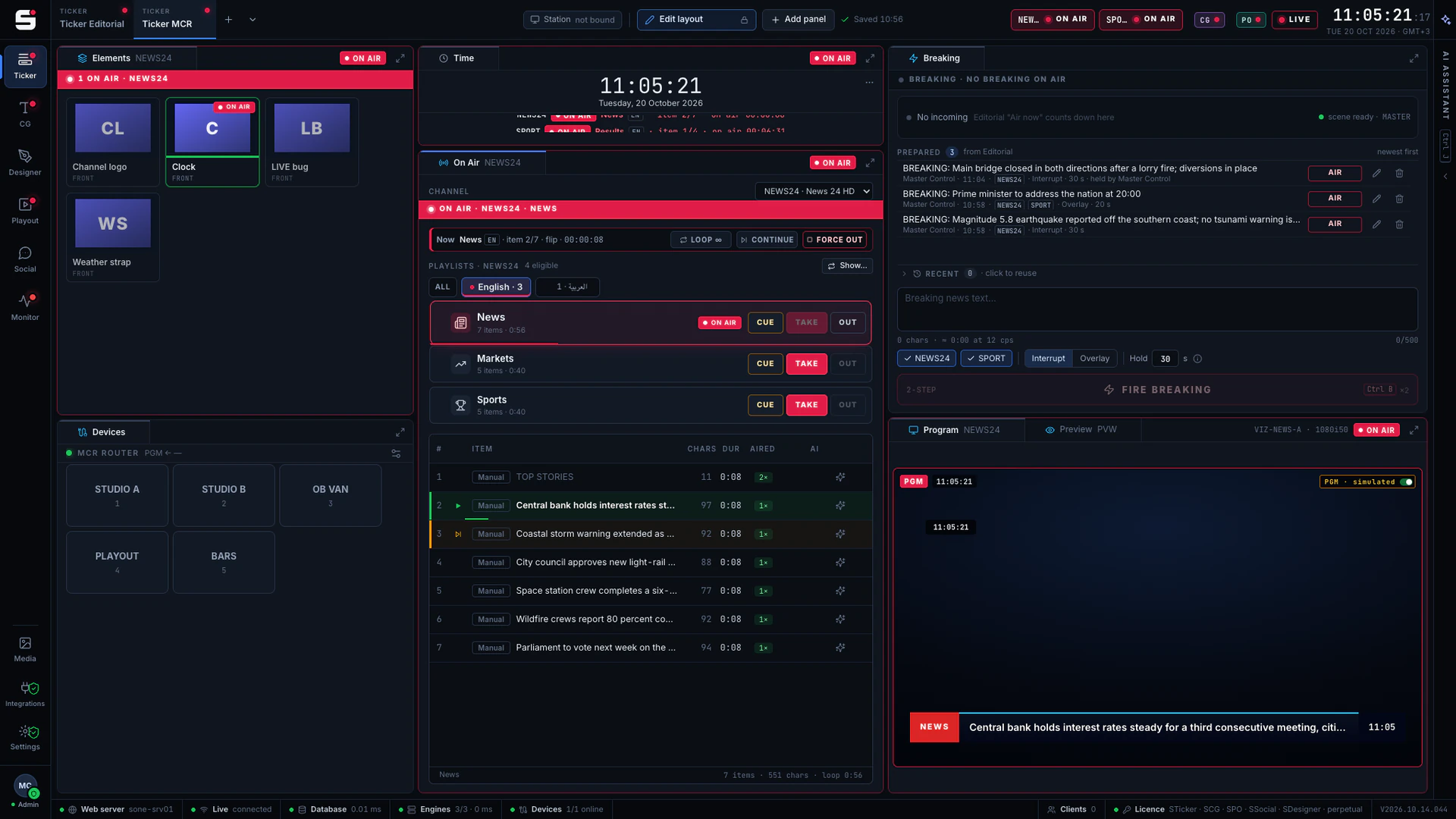
SCG
Character generator
SONE render engine or Viz Engine: layered graphics, versioned templates and the iNEWS newsroom rundown, keyed or burned into SPO.
Explore SCG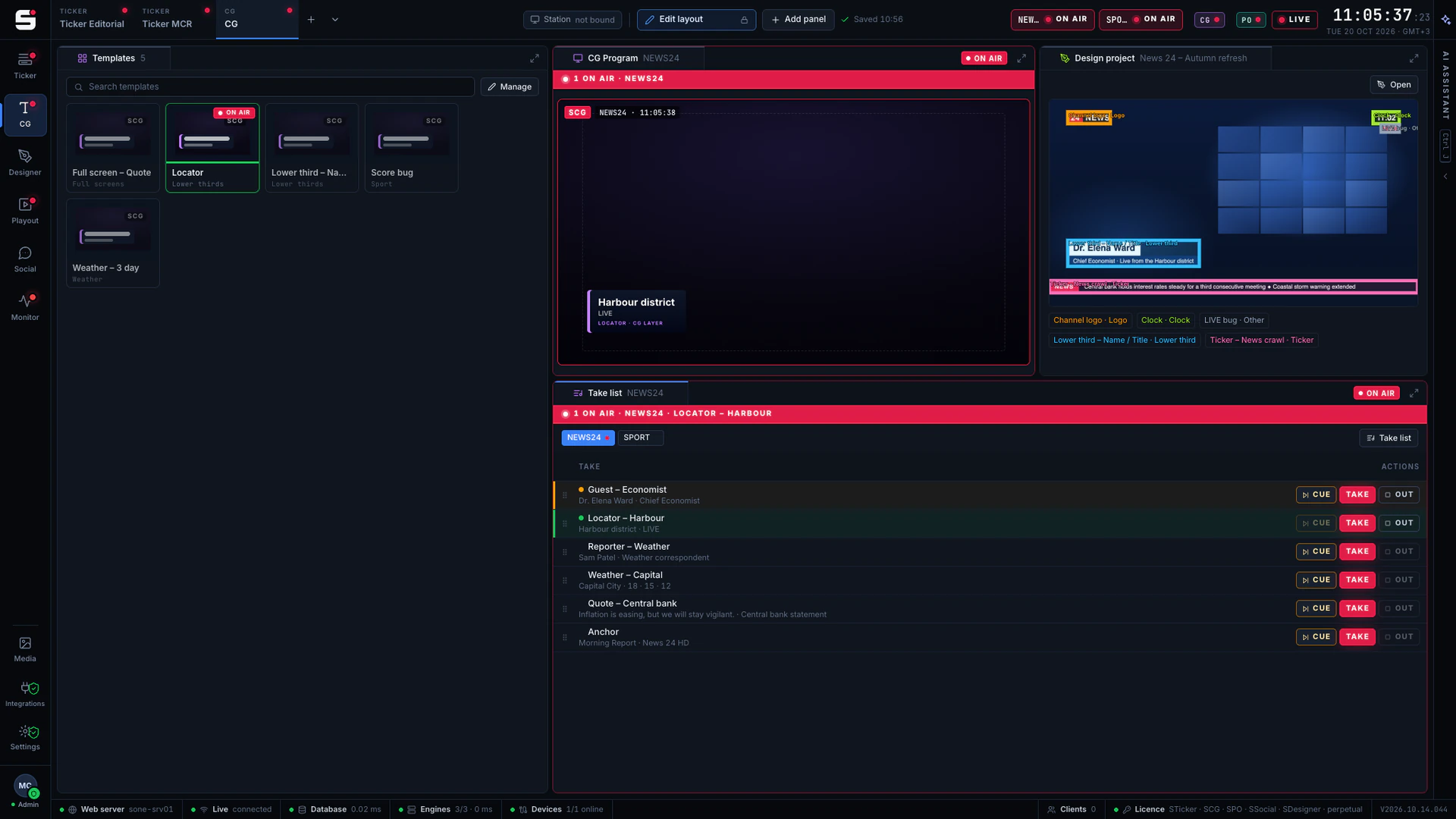
SDesigner
AI-assisted design
Turn a mockup or a screenshot into a layered project and publish it to SCG as a template. People approve; AI never airs.
Explore SDesigner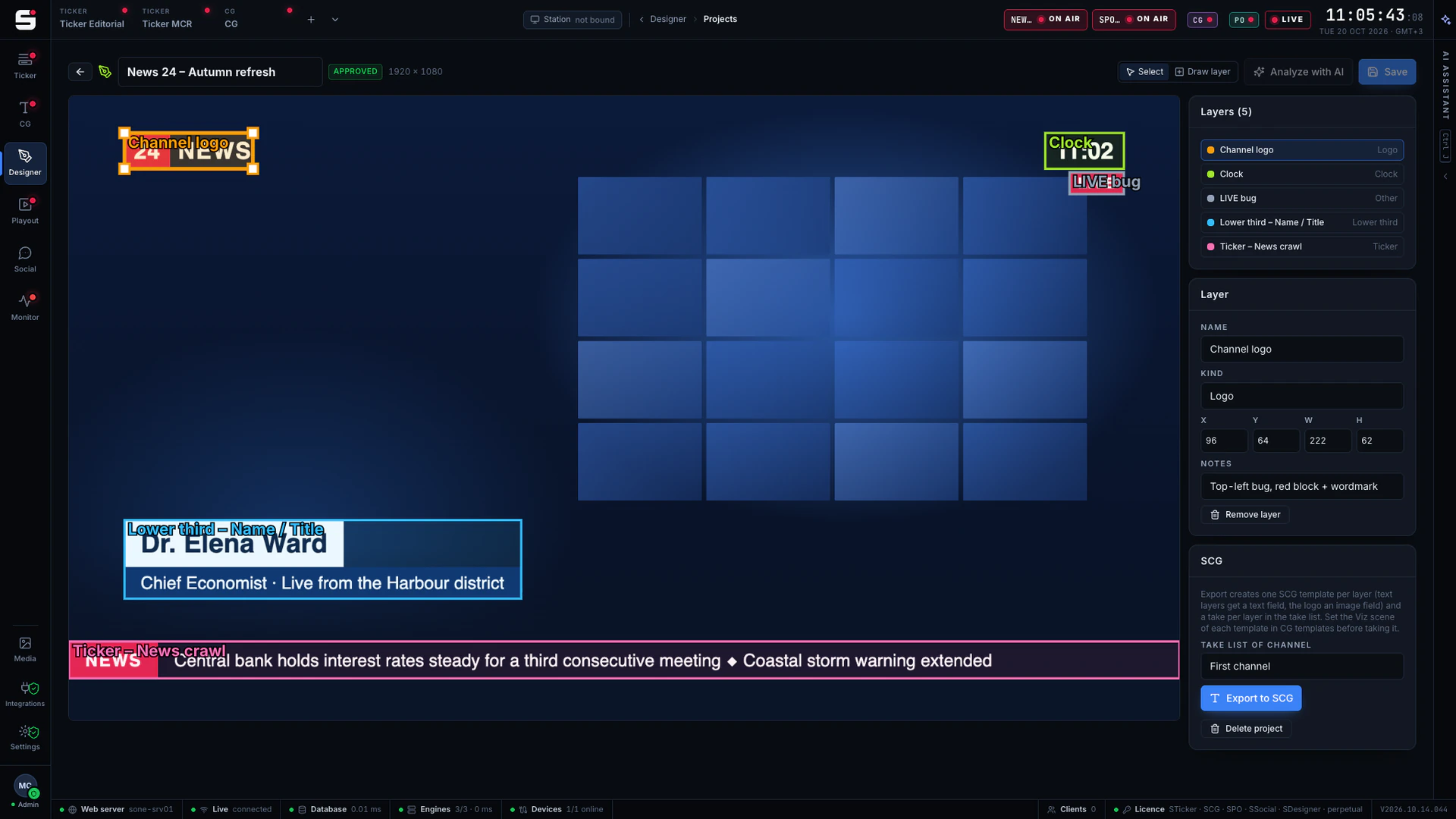
See SIngest on your own engines.
Book a walkthrough with people who have run master control. We will show SONE with your scenes, your playout format and your newsroom feeds.