Plan to the frame. Publish to MCR.
STraffic is scheduling and traffic for SONE. Planners build each channel’s day on a frame-accurate grid, fill the ad breaks, check everything before it goes out, and publish. The published day becomes that day’s SPO playlist, shared live with master control.
STraffic is in early access. The grid shown here is an illustration, not a capture of the product.
- STEP 01
Plan
Build the day on the grid from the library, from templates or from a BXF import.
- STEP 02
Check
Validation finds missing media, expired rights, overlaps and days that run short or long.
- STEP 03
Publish
The day becomes the SPO playlist for that date, with a new revision.
- STEP 04
Air and report
MCR plays it in SPO; the as-run comes back for planned against actual and proof of play.
What STraffic does
Built for planners who think in frames.
- 01
A day grid that snaps to frames
A vertical timeline per channel and day. Drag and drop, snap to HH:MM:SS:FF, and see gaps, overlaps and the running over or under for every hour. Switch to the week view to plan ahead.
- 02
Programme library
Title, episode, house ID, media reference, rights window and category. Durations are read from the media file itself. Search, then drag into the grid.
- 03
Ad breaks that add up
Spots entered by hand or imported from BXF, with the total spot duration always measured against the break length.
- 04
Templates
Weekly grid patterns, copy last week, copy a day or a week. The routine takes a few clicks.
- 05
Checked before it airs
Validation before publishing: missing media, expired rights, overlaps and days that are not 24 hours long.
- 06
Publish to MCR
Publishing creates or updates the SPO playlist for that day. SPO shows the revision; every revision keeps its author and time.
- 07
One shared playlist
Planners edit in STraffic while MCR operators work in SPO, at the same time. Conflicts are flagged per item on both sides, items on air or cued are locked for planners, and every change is audited with who and where.
- 08
Day change handover
At the changeover time SPO asks whether to load tomorrow’s schedule, and loads it automatically if nobody answers within the set number of minutes. STraffic shows the handover status.
- 09
Reports
Planned against as-run for every day, with missed, late and cut items; a proof-of-play list per advertiser as CSV, from the as-run log and the spots; and an HTML day report that needs no printing.
Ad breaks
Every break, filled to the frame.
Enter spots by hand or import them from BXF. STraffic measures the total spot duration against the break length as you go, and the same spots feed the proof-of-play list for each advertiser.
- Spots stacked inside the break
- Total against the break length
- BXF (SMPTE ST 2021) import and export
- Proof of play per advertiser as CSV
- 19:30:00:00SP-44120Northwind Air00:00:30:00
- 19:30:30:00SP-44187Delta Foods00:00:20:00
- 19:30:50:00SP-44203Atlas Bank00:00:30:00
- 19:31:20:00SP-44215Lumen Mobile00:00:45:00
- 19:32:05:00SP-44219Riverside Motors00:00:30:00
- 19:32:35:00SP-44230Cedar Home00:00:15:00
- 19:32:50:00SP-44236Orbit Telecom00:00:30:00
- 19:33:20:00SP-44241Harvest Tea00:00:40:00
At a glance
STraffic specifications
Part of the SONE platform: one Windows service, one web UI, one signed licence.
- Planning
- Day grid and week view, frame-accurate (HH:MM:SS:FF)
- Playout
- Publishes to the SPO playlist
- Traffic exchange
- BXF (SMPTE ST 2021) import and export
- Reports
- Planned vs as-run, proof of play (CSV), HTML day report
- Workstations
- Planner workstations can show only STraffic
- Licensing
- Per planned channel, unlimited planner users
The SONE family
Works even better together.
STicker
Ticker & crawl
Newsroom → Ticker. iNEWS and agency wires feed it, editorial builds it, MCR airs it on your existing graphics engines.
Explore STicker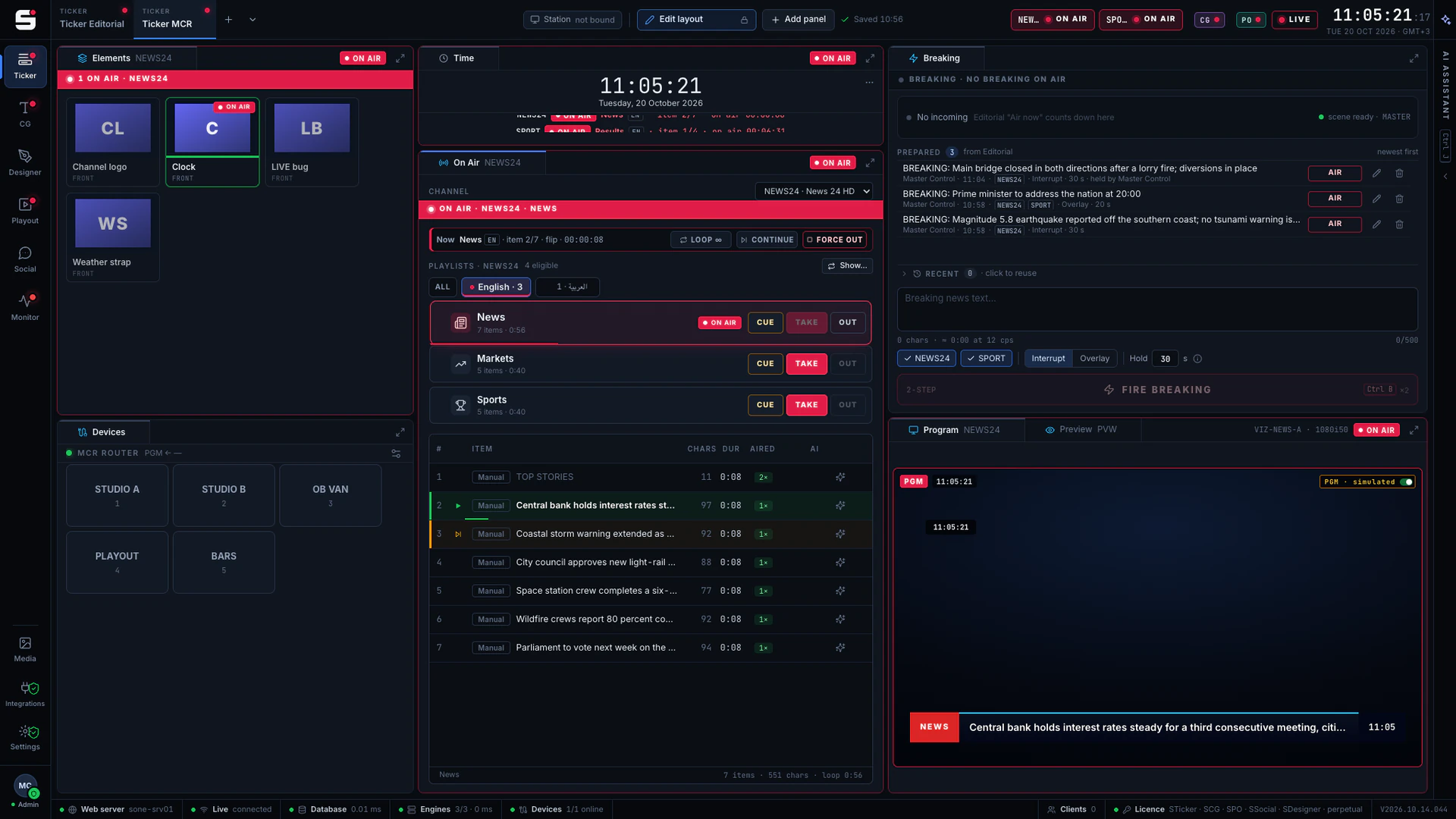
SCG
Character generator
SONE render engine or Viz Engine: layered graphics, versioned templates and the iNEWS newsroom rundown, keyed or burned into SPO.
Explore SCG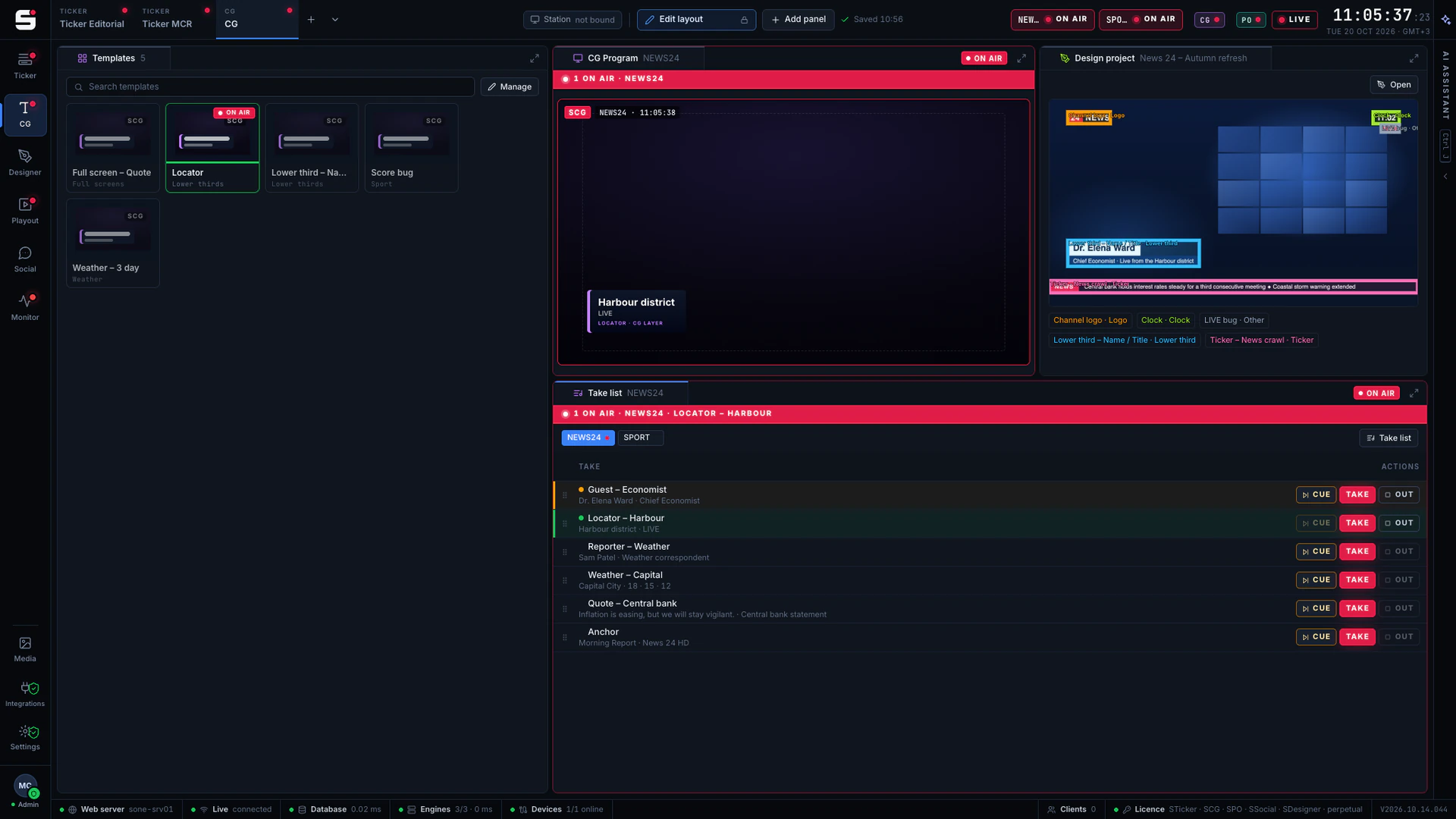
SDesigner
AI-assisted design
Turn a mockup or a screenshot into a layered project and publish it to SCG as a template. People approve; AI never airs.
Explore SDesigner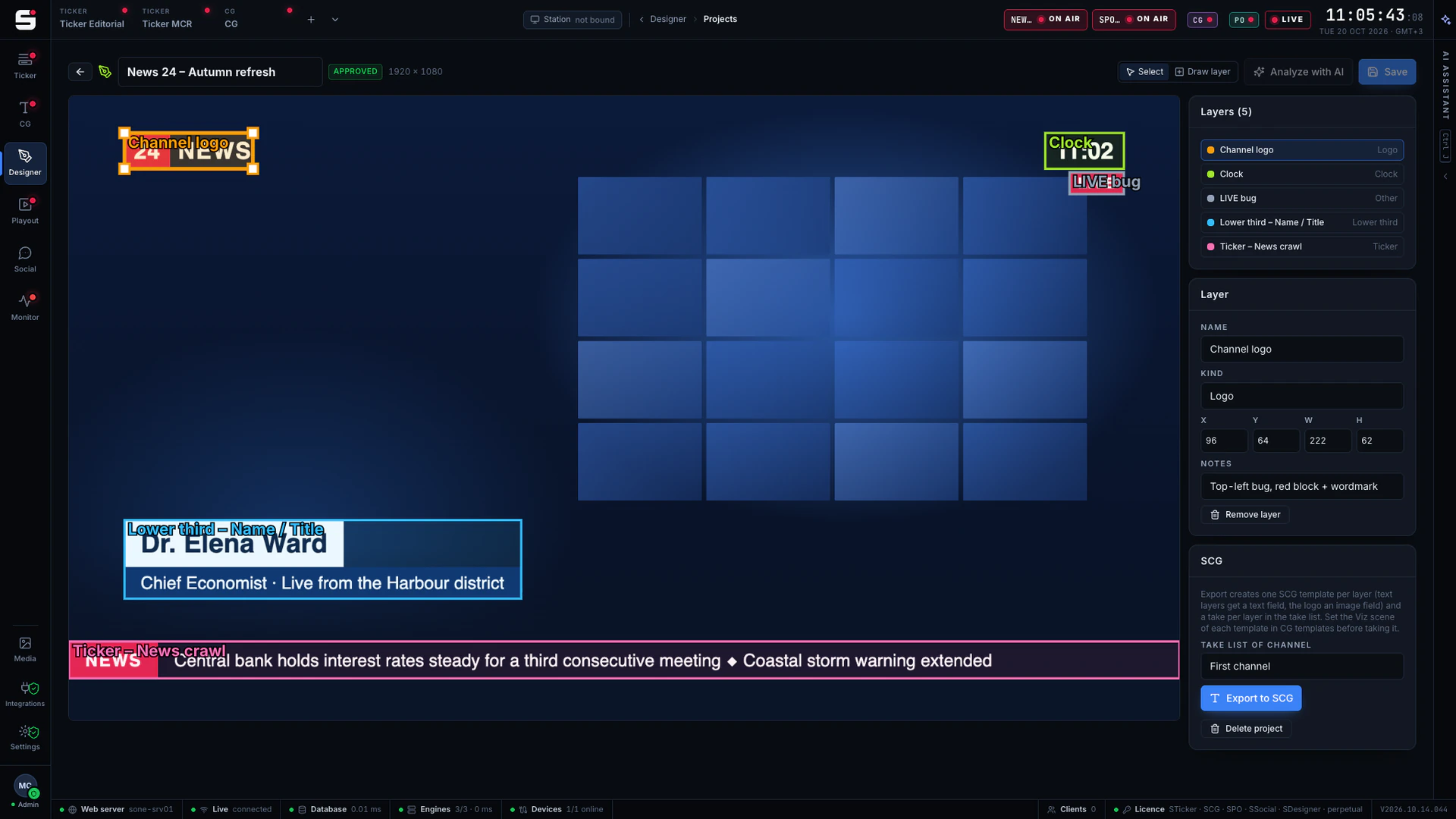
See STraffic on your own engines.
Book a walkthrough with people who have run master control. We will show SONE with your scenes, your playout format and your newsroom feeds.