Any file in. House format out.
STranscode is the transcoding engine of the SONE platform. Watch folders turn camera files, MXF, MP4 and ProRes into your house format, checked and named, straight into the media library. It makes the proxies SMAM previews and the versions you deliver to social, web and archive, from one jobs queue that runs on the app server or on dedicated transcode nodes.
STranscode is in early access. The panels shown here are an illustration, not a capture of the product.
- STEP 01
Drop
A file lands in a watch folder, or SMAM sends a clip to a profile.
- STEP 02
Convert
A node with a free slot takes the job and converts it.
- STEP 03
Check
Duration, format, audio and loudness are checked, and the file is named by the rule.
- STEP 04
Deliver
Into the media library with its proxy, or into the SSocial folder or the archive.
How it fits
STranscode sits between ingest and the library. SIngest and the watch folders bring material in, STranscode makes the house-format file and the proxy, and SMAM catalogues it. When a clip is sent to social from SMAM, STranscode makes the social version and drops it into the SSocial folder; sent to playout, it lands in the SPO media folder in the house format. All of it under the one SONE licence: STranscode per concurrent job, SMAM per seat.
What STranscode does
Built for engineers who want one house format.
- 01
Watch folders
Local or network folders, each with its own profile: whatever is dropped in (camera files, MXF, MP4, MOV, ProRes) is probed, converted into the house format and moved into the media library.
- 02
House formats
XDCAM HD422 50 Mb/s in MXF OP1a, ProRes 422 in MOV or DNxHD in MXF; 1080i50 or 1080p50, with 8 or 16 audio channels mapped the way you set them.
- 03
QC and naming rules
Every output is checked for duration, format, audio channels and loudness, and named from a pattern (house ID, title, date) before it reaches the library. A file that fails is held, with the reason.
- 04
Proxies for SMAM
A low-res H.264 proxy of every media file, made when the file arrives, so SMAM can preview it in any browser.
- 05
Delivery profiles
Social (H.264 1080p, or vertical 1080×1920), web and archive profiles, ready to use or to copy and adjust. Send to social in SMAM uses them and drops the result into the SSocial folder.
- 06
Jobs queue
Priorities, retries and live progress for every job. Urgent material goes first; a job that fails is retried, then held with the reason.
- 07
Scales with nodes
Runs on any SONE server role: on the app server at a small station, or on dedicated transcode nodes when the queue grows. A new node takes jobs from the same queue.
- 08
FFmpeg, pinned and tested
Built on FFmpeg, in a build that SoneTech pins and tests, so an update never changes your house format by surprise.
- 09
Licensed per concurrent job
The licence sets how many jobs run at the same time across all nodes. Queued jobs wait for a free slot.
Watch folders
Drop it in. It arrives in house format.
Each watch folder has a profile, QC checks and a naming rule. STranscode waits until a file has finished copying, converts it, checks it, names it and moves it into the media library, where SMAM finds it with its proxy.
- Camera files, MXF, MP4, MOV and ProRes in
- XDCAM HD422, ProRes or DNxHD out
- Duration, format, audio and loudness checked
- Named from house ID, title and date
\\nas01\ingest\camera
DurationFormatAudio 8 chLUFS −23
A001_C004_1021XY.MXF
✓→NWS-5533_Flood_aerial_2026-10-21.mxf
CLIP0042.MP4
…→NWS-5531_Flood_cam2_2026-10-21.mxf
C0017.MP4
✓→NWS-5534_Flood_rescue_2026-10-21.mxf
A001_C002_1021XY.MXF
✓→NWS-5530_Flood_bridge_2026-10-21.mxf
\\nas01\ingest\post
DurationFormatAudio 8 chLUFS −23
Rivers_ep4_master_ProRes.mov
…→DOC-0412_Rivers_ep4.mxf
Atlas_Bank_30s_v3.mov
✕→ADV-0931_Atlas_Bank_30s.mxf · duration 29:12
Weekly_Review_ep41.mov
✓→PRG-1192_Weekly_Review_41.mxf
IDT_Autumn_10s_ProRes.mov
✓→IDT-0007_Autumn_10s.mxf
Profiles and nodes
Describe each output once. Run it anywhere.
Profiles describe every output once: the house format, the SMAM proxy, social 1080p and vertical, web and archive. Jobs go into one queue with a priority, and each node, the app server or a dedicated transcode node, takes the next job when a licensed slot is free.
- House format, proxy and delivery profiles
- Priorities, automatic retries and progress
- App server or dedicated transcode nodes
- Concurrent jobs set by the licence
Nodes
app-01App server
CPU64%
1 job · NWS-5531 · XDCAM
tc-01Transcode node
CPU81%
1 job · DOC-0412 · XDCAM
At a glance
STranscode specifications
Part of the SONE platform: one Windows service, one web UI, one signed licence.
- Inputs
- Camera files, MXF, MP4, MOV (ProRes) and the other formats FFmpeg reads
- House formats
- XDCAM HD422 50 Mb/s (MXF OP1a), ProRes 422 (MOV), DNxHD (MXF); 1080i50, 1080p50
- Delivery
- Social H.264 1080p and vertical 1080×1920, web, archive, browser proxies
- Engine
- FFmpeg, in a build pinned and tested by SoneTech
- Queue
- Priorities, retries, progress per job
- Runs on
- Any SONE server role, or dedicated transcode nodes
- Works with
- SMAM, SIngest, SSocial, SPO
- Licensing
- Per concurrent job, in the one SONE licence
The SONE family
Works even better together.
STicker
Ticker & crawl
Newsroom → Ticker. iNEWS and agency wires feed it, editorial builds it, MCR airs it on your existing graphics engines.
Explore STicker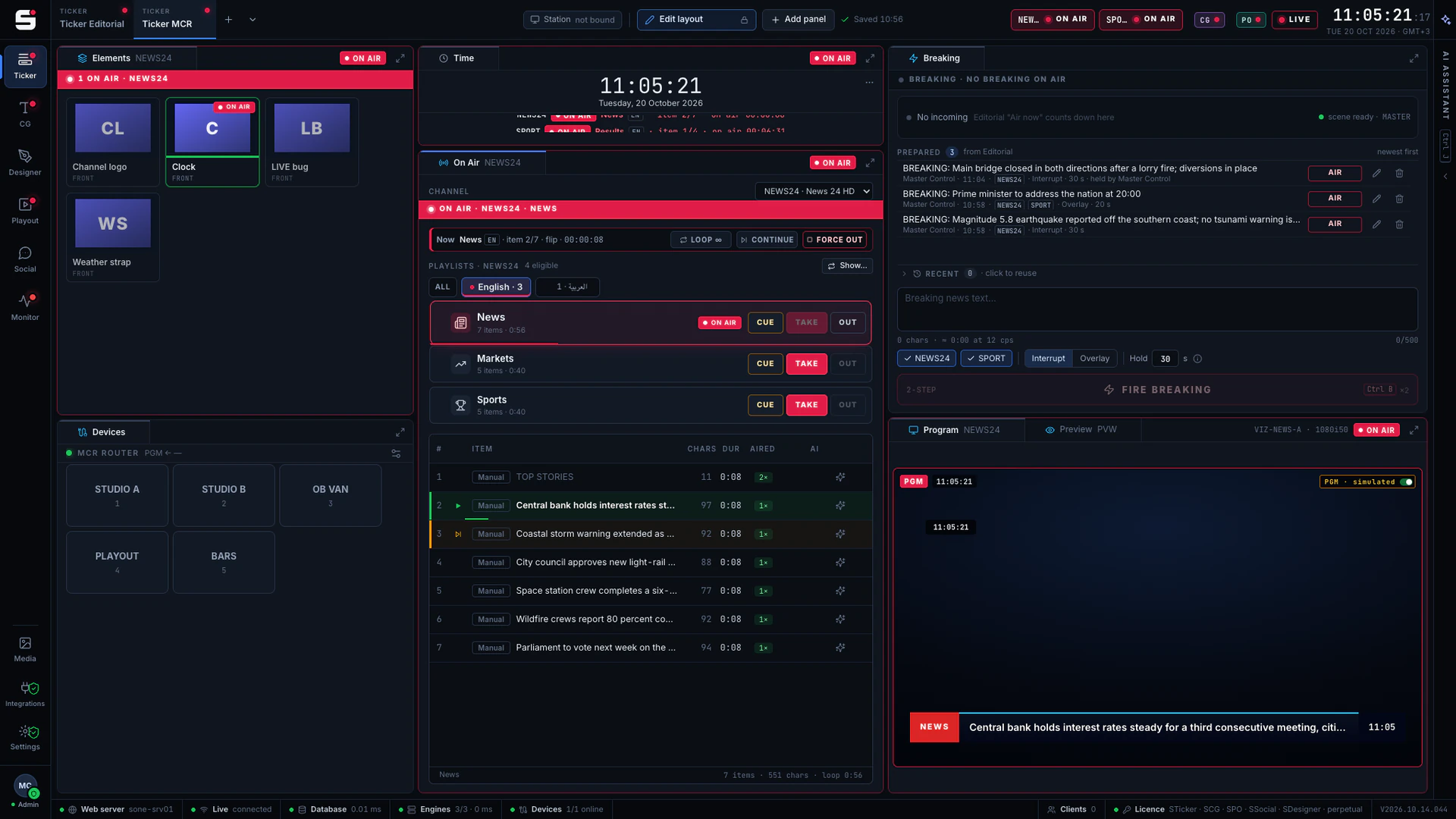
SCG
Character generator
SONE render engine or Viz Engine: layered graphics, versioned templates and the iNEWS newsroom rundown, keyed or burned into SPO.
Explore SCG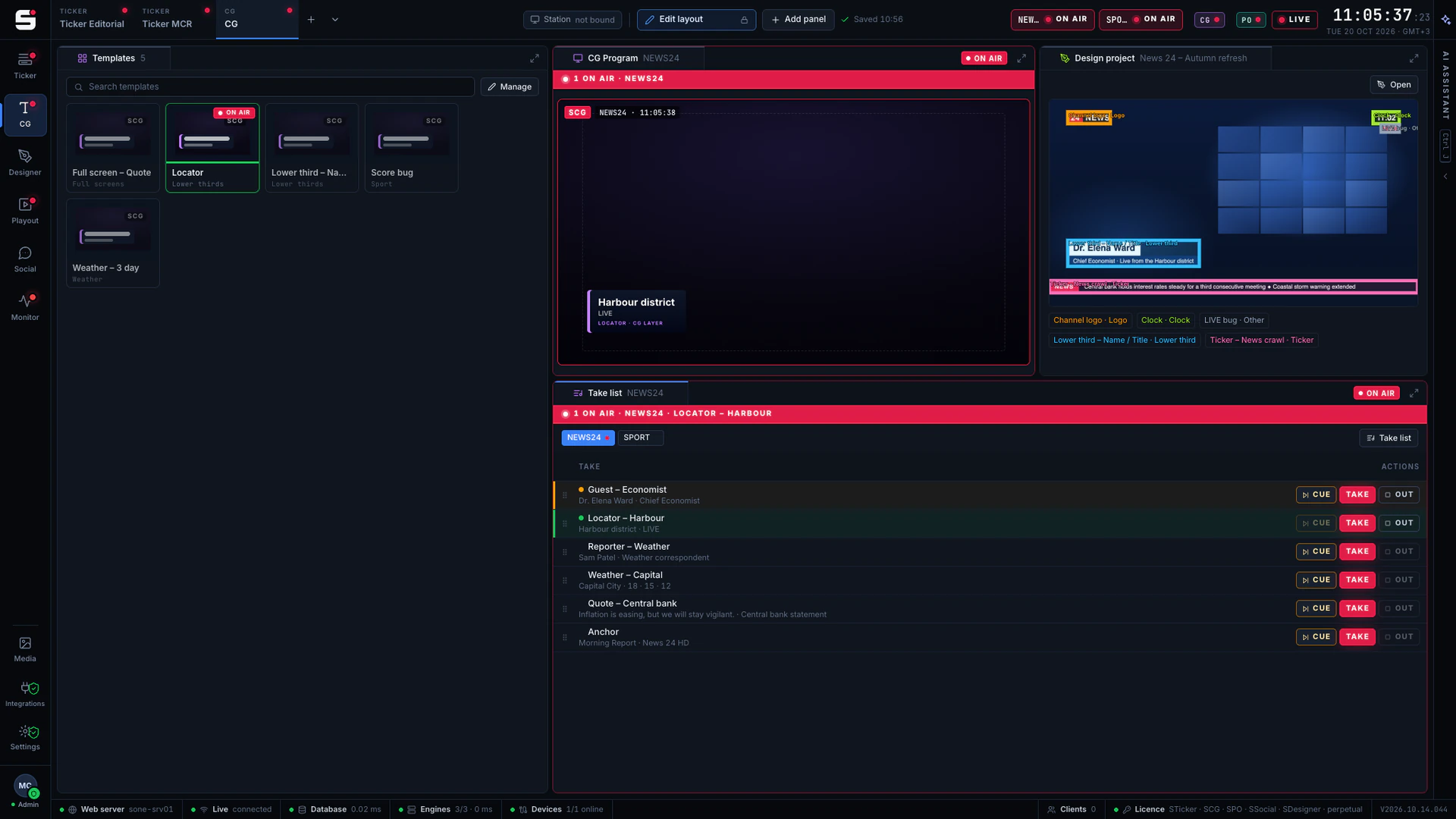
SDesigner
AI-assisted design
Turn a mockup or a screenshot into a layered project and publish it to SCG as a template. People approve; AI never airs.
Explore SDesigner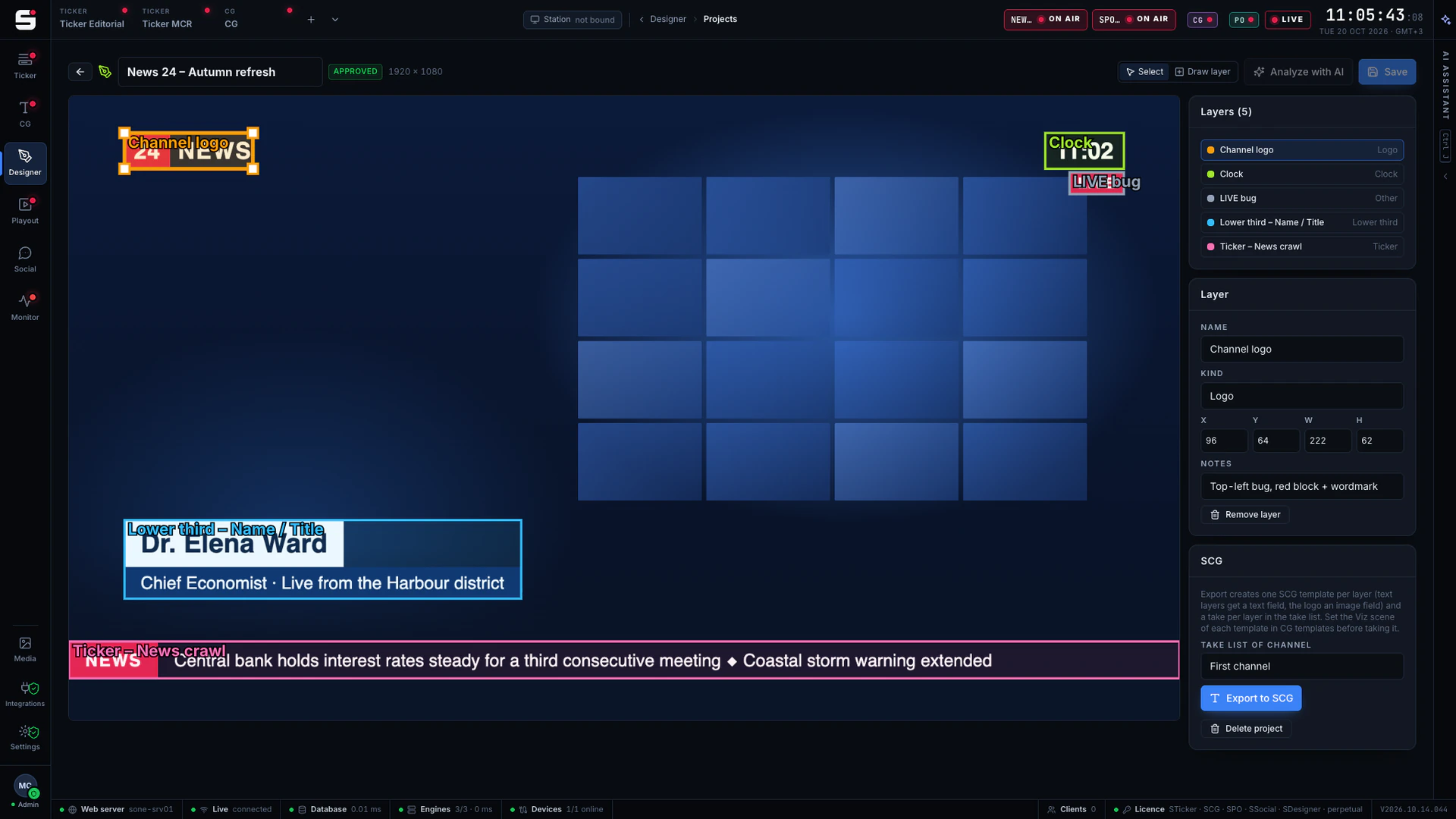
See STranscode on your own engines.
Book a walkthrough with people who have run master control. We will show SONE with your scenes, your playout format and your newsroom feeds.